I Already Uploaded This File. Why Do I Have to Upload It Again?
Bigger Upload Limits Solve the Wrong Problem
A larger upload limit sounds helpful. It lets Priya move a bigger packet in one go. It does not remove the move.
Connected Drive helps her reach the files. It does not automatically preserve which files formed the approved working set or which decision replaced an older one.
Keeping one chat forever avoids the immediate upload only if that chat can also change models mid-work. Most tools still lock the thread to one model, so the archive becomes a trap.
Better prompts improve the hand-off after the files arrive. They cannot make the knowledge independent of the destination.
All four fixes optimize transportation. Priya needs portability: the ability to keep one trusted project base while changing how she works with it.
Keep the Knowledge Layer Separate
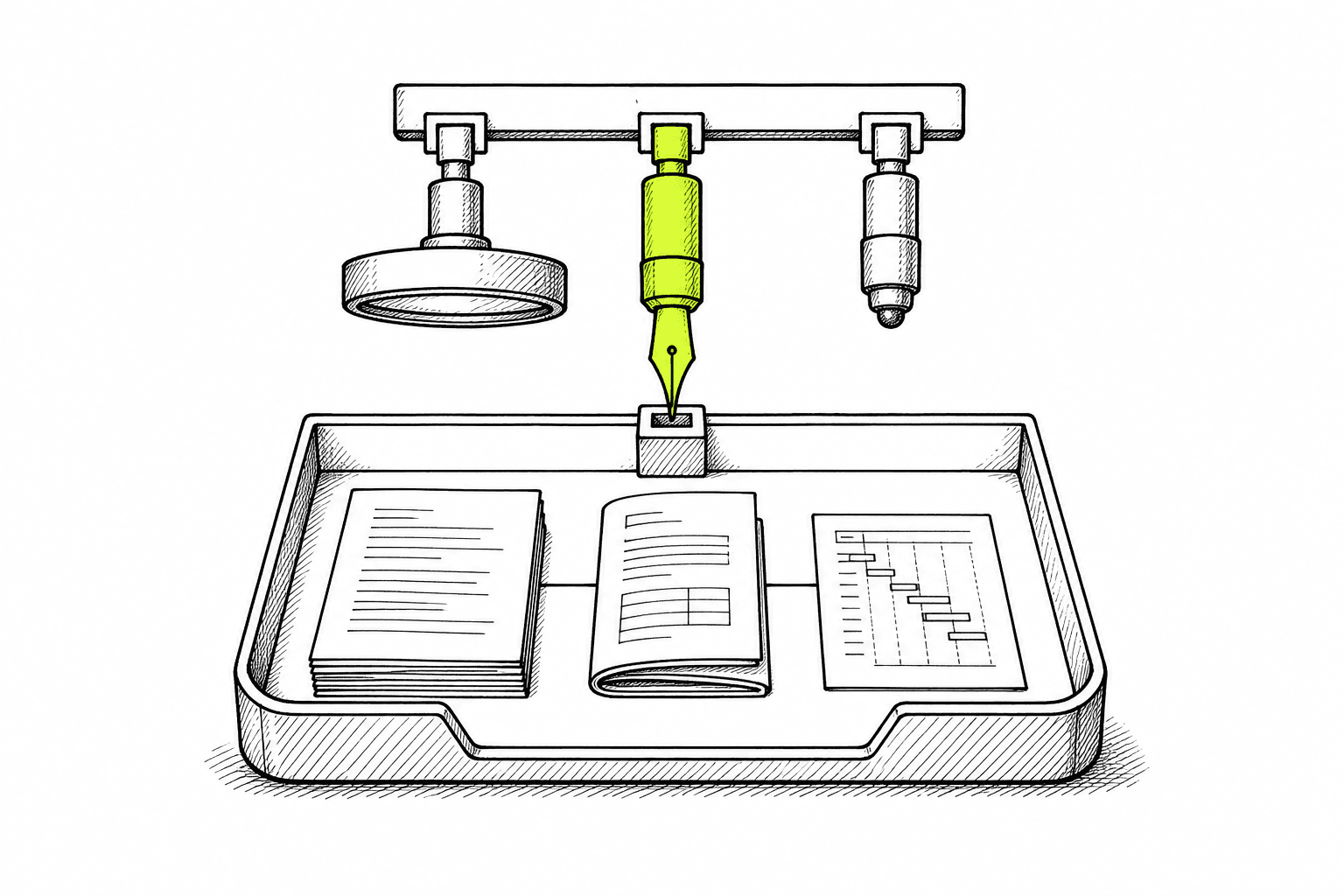
The better model is simple: files belong to the project, not to the model.
Upload the research once. Keep the interviews connected to the decisions they shaped. Mark which roadmap is current. Add the next customer call to the same base.
Then choose the model for the task in front of you.
That is the practical value of AI knowledge management. The durable asset is not yesterday's chat. It is the connected knowledge underneath every future question.
Three checks reveal whether the workflow really works:
Reuse: Can another model use the same project files without a new upload ritual?
Consistency: Does each model receive the same current evidence and decisions?
Growth: Does adding one file improve the shared base instead of creating another packet to move?
If changing models resets those three, the project is still trapped inside the tool.
Keep the Files. Change the Model.
Run Priya's morning again, in the same BrainStorm chat.
Her competitive pack is already there as connected knowledge. When she needs deeper research across the interviews and roadmap, she picks Claude. When she needs sharper reasoning on the sales narrative, she switches to GPT. Later she can use BrainStorm Lite for a lighter pass. Same chat. Same files. Different model for the job in front of her.
BrainStorm is a knowledge base you can brainstorm with. Product teams upload documents, notes, conversations, and decisions once, then research, analyze, brainstorm, and draft against that knowledge without leaving the workspace. BrainStorm Lite, Claude, and GPT are available in the same place, with more models planned over time. LocusGraph retrieves the relevant connected context for each question.
Priya still decides which model fits the next step and whether the answer holds. She does not open another tool, start another chat, or rebuild the packet to make that choice.
Try it here: Get Started (registration code: brainstorm2024), or Book a Demo.
The files should belong to the work. The model should remain a choice inside the same chat.
Why do I have to upload the same files when switching AI models?
Most AI tools bind uploaded files to a specific conversation or workspace. Moving to another model often means rebuilding the working set, even though the project and evidence have not changed.
Are ChatGPT file uploads part of the project or the chat?
They are useful within the chat or workspace that received them. The problem is portability: teams often cannot carry the same approved file set and its relationships into a different model without rebuilding context.
Do bigger upload limits make model switching easier?
They make it possible to move a larger packet, but they do not remove the move. The team still has to choose the files, confirm versions, and rebuild why the material belongs together.
Why would a product team use more than one AI model?
Different tasks may benefit from different models. A team might use one to challenge assumptions and another to shape a draft, while keeping human judgment and the underlying evidence consistent.
What is a model-independent knowledge base?
It is a durable project layer where documents, notes, conversations, and decisions remain connected while the team changes models or tasks. The knowledge belongs to the work, not to one chat.
Which AI models are available in BrainStorm?
BrainStorm offers BrainStorm Lite, Claude, and GPT, with more models planned over time. Teams can switch models inside the same chat based on the task while working from the same knowledge base.
How does BrainStorm help when switching AI models?
Product teams upload documents, notes, conversations, and decisions once. In the same BrainStorm chat, they can choose Claude, GPT, or BrainStorm Lite for each step of the work, while LocusGraph keeps retrieving from the same connected knowledge.
Not just longer-context. Not just better-prompted.